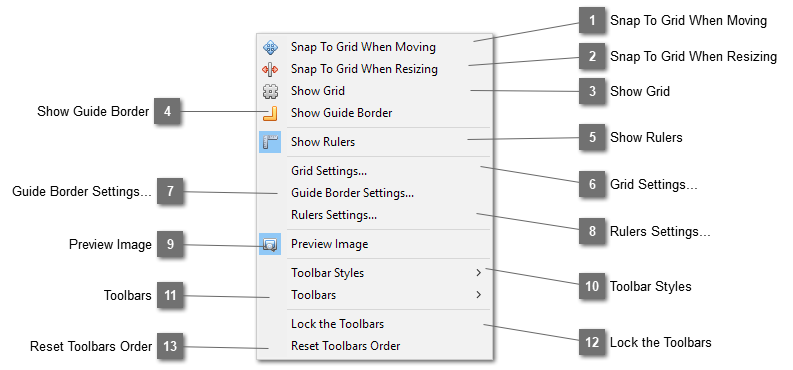
Snap To Grid When MovingSnap the elements to the grid lines when moving them so that each time the elements will be moved by the size of the grid.
|
|
 Snap To Grid When ResizingSnap the elements to the grid lines when resizing.
|
|
 Show GridShow the grid lines on the page.
|
|
 Show Guide BorderShow the guiding borders of page size and the design lines on the page.
|
|
 Show RulersDisplay the rulers on the page.
|
|
 Grid Settings... |
|
 Guide Border Settings... |
|
 Rulers Settings... |
|
 Preview ImageSelect this option to show the image preview pane.
|
|
 Toolbar StylesSelect styles for the toolbars. You can choose among large, medium or small icon size for the toolbar. They can also be shown with text below them.
|
|
 ToolbarsSelect which toolbars to be shown on the main toolbars area.
|
|
 Lock the ToolbarsLock the toolbars so that they can not be moved.
|
|
 Reset Toolbars OrderReset the toolbars to their default order.
|
|