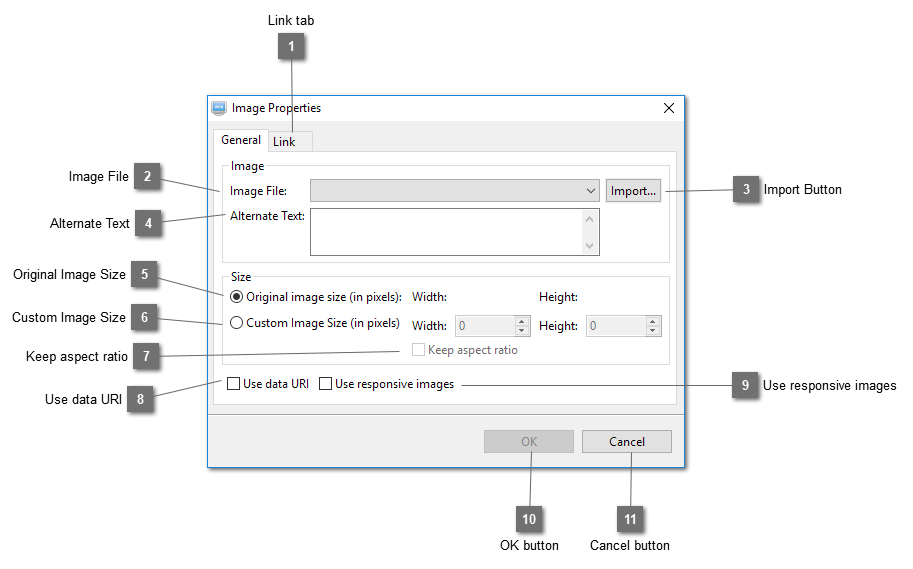
The image will be compressed first before conversion to make it smaller. Embed small images only and avoid embedding large images as this will increase the size of the page. A Base64 encoded image is about 30% larger than the original one. Your page may be able to load faster as there is no extra http request to get the image.
Use responsive images for this image. A set of smaller images using the sizes specified in the Preference will be created from this image. Browsers will choose the appropriate image to load according to the width of the browser window. For example, if the page is loaded in a mobile device with browser window width of 320px, the image with width 320px will be loaded instead of the original one so that the page will be loaded more faster.