To properly display this page you need a browser with JavaScript support.
Photo Edge Effects Dialog
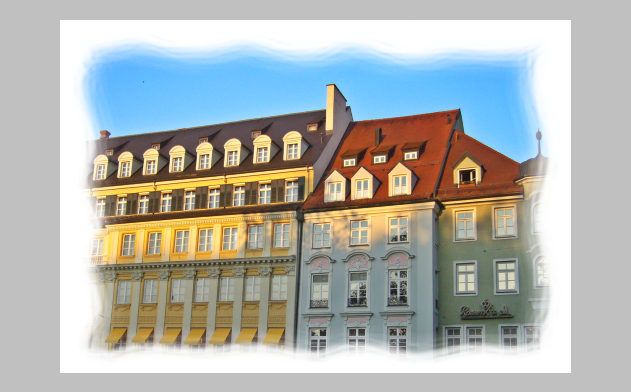
Apply edge mask to an image. The following is made by applying mask_11 to the image and using white edge color. If edge color is not used then the white border part will become transparent.
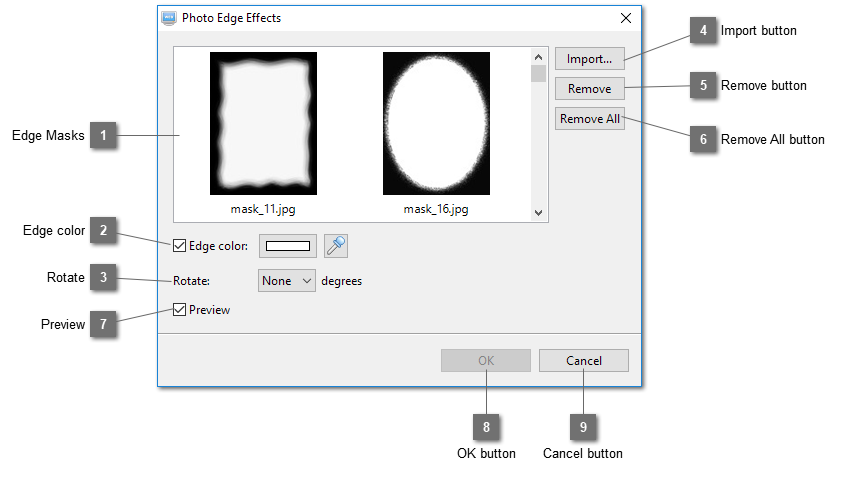
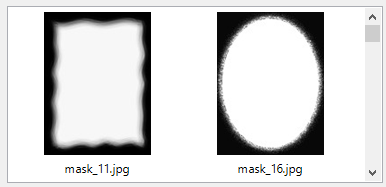
Edge Masks Show a list of available edge masks.
Edge color Select this option to add color to the edges. If no color is selected the masked part will become transparent.
Rotate Rotate the edge mask to match the orientation of the photo.
Import button Import edge masks.
Remove button Remove the selected edge masks.
Remove All button Remove all the edge masks.
Preview Preview the effects.
OK button Click OK to apply the edge mask to the image.
Cancel button Cancel this action.