Use the new background image in the content-area style
-
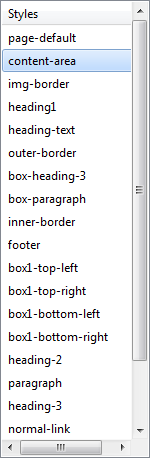
Click on the "content-area" style again after creating the main-content-area style.
-
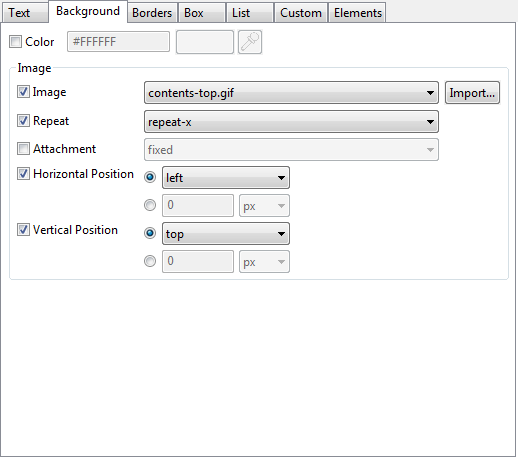
Click on the background tab.
-
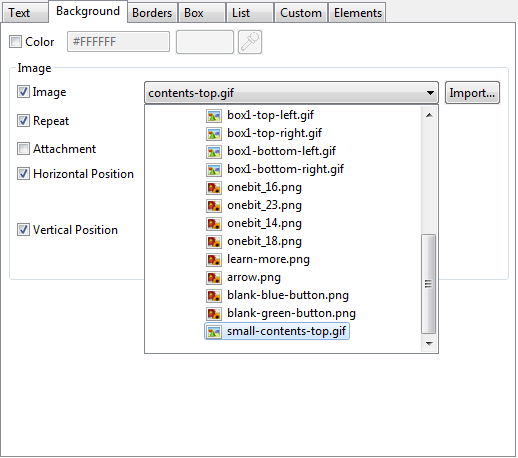
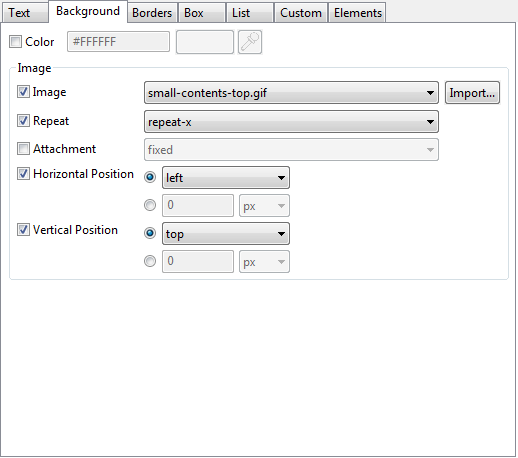
Select "small-contents-top.gif" from the Image drop down menu.
-
Click the "OK" button to apply the style rules to the page. We will fix the index page in the following steps.
|
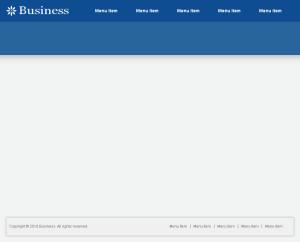
New page created from the template
|
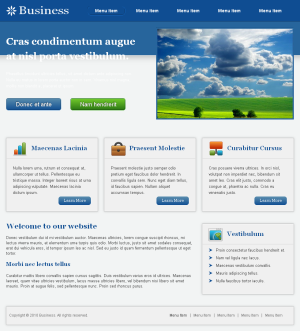
The new index page
|
|
|
|