Select "Insert" > "Text" from the main menu or press this button on the toolbar.
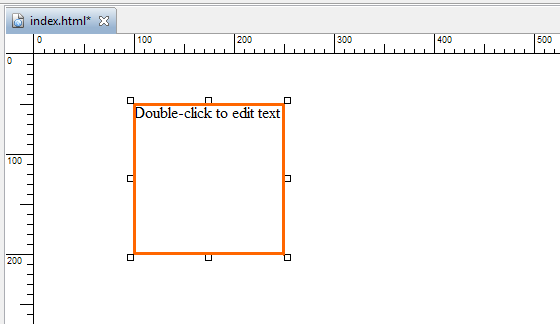
A text element will be inserted on the page.
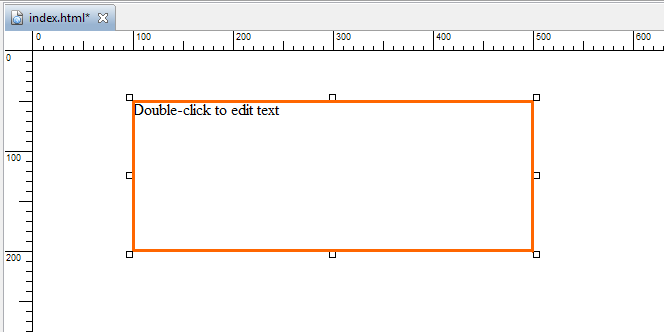
Change the width of the element to an appropriate one, for example, 400 pixels.
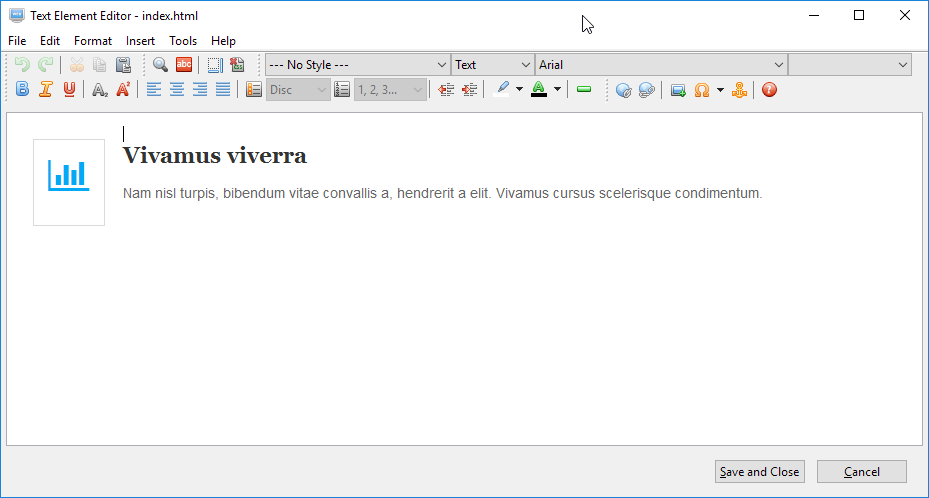
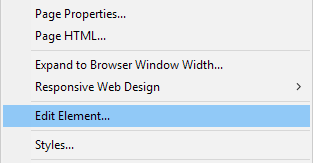
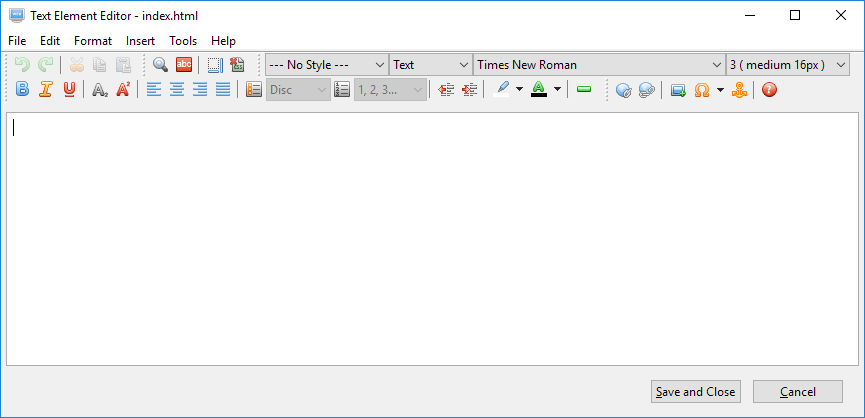
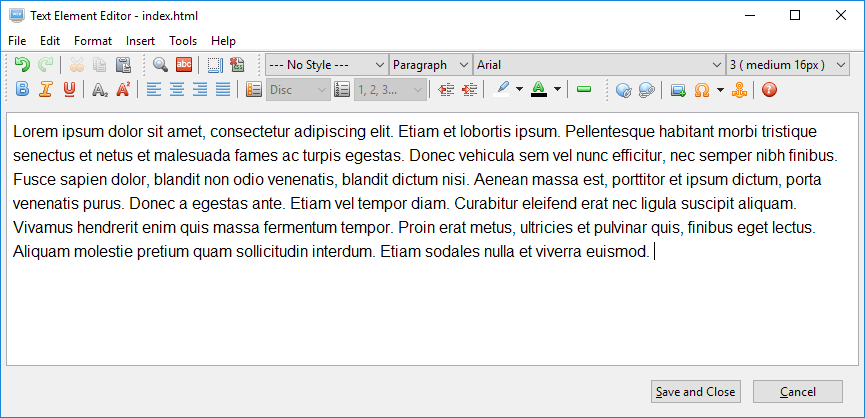
To add text to it or edit the text in it, double-click on it to open it in the Text Element Editor. You can also right-click on it and select "Edit element" from the context menu to open it in the Text Element Editor.
Enter or edit text.
Press the "Save and Close" button to save the changes.
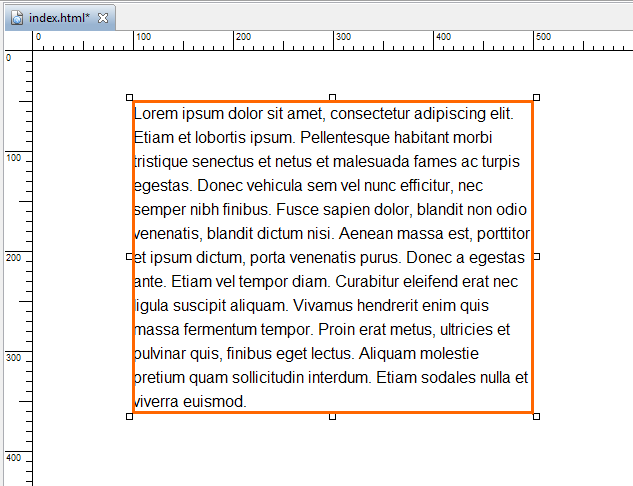
If the height of the text element is not high enough to accommodate all the text, its height will be expanded like the following. The original height is 150 pixels. After adding the text, it becomes 312 pixels.
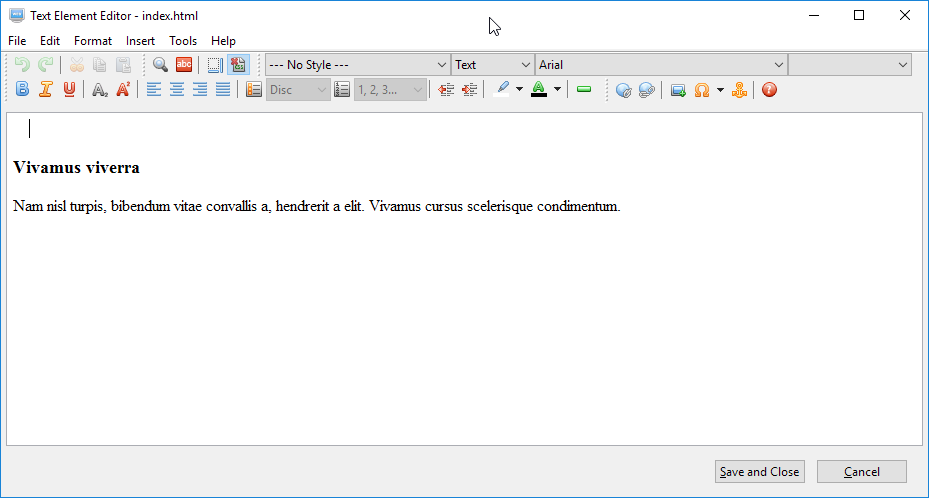
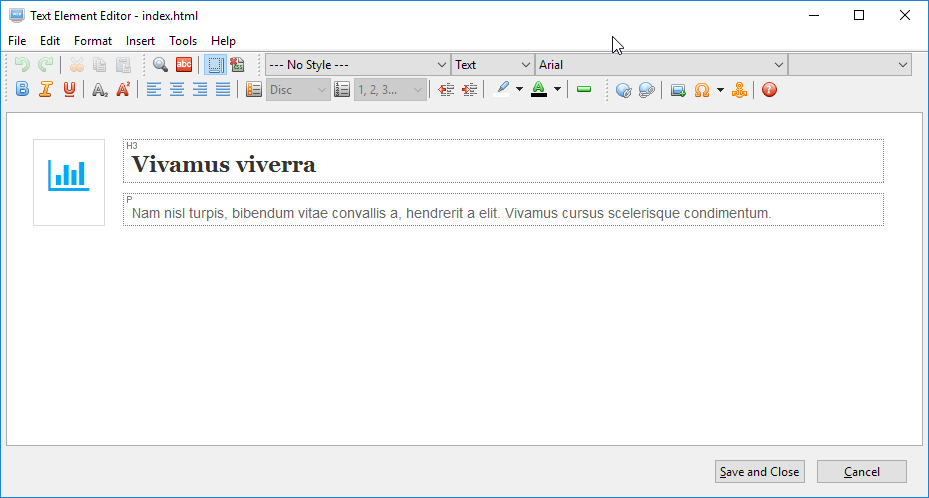
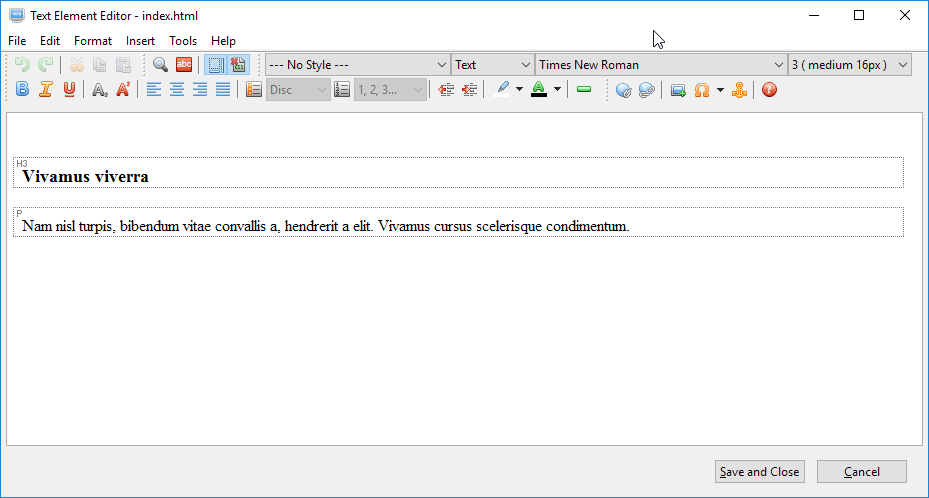
If there are CSS styles applied to the text, you may find it hard to edit the text. You can disable the CSS styles temporarily by clicking on this button on the toolbar. Also, text can be mark as headings and paragraphs. You can show which is which by clicking on this button on the toolbar. The following example shows what it will look like by using these two buttons.


 on the toolbar.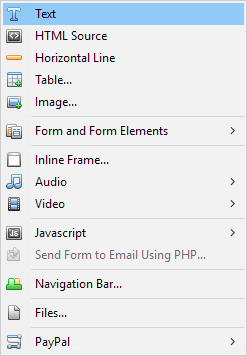
 on the toolbar. Also, text can be mark as headings and paragraphs. You can show which is which by clicking on this button
  on the toolbar. The following example shows what it will look like by using these two buttons.