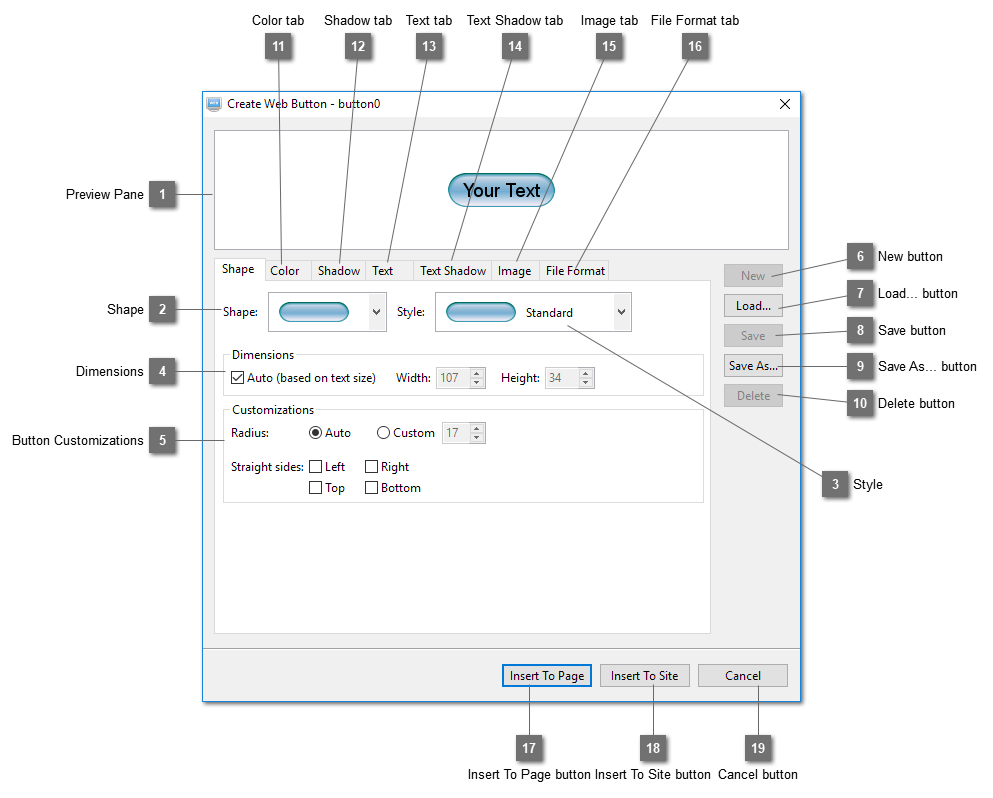
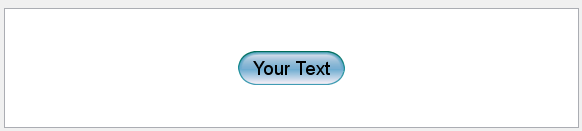
Preview PanePreview the button generated from the settings.
|
|
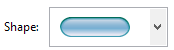
 ShapeSelect button shape from a set of preset shapes.
|
|
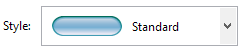
 StyleSelect button style from a set of preset styles.
|
|
 DimensionsSet the size of the button. If "Auto" is selected, the size of the button will be calculated from the size of the button text.
|
|
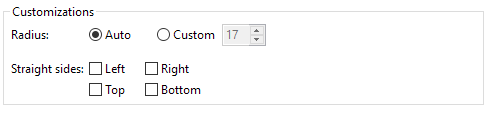
 Button CustomizationsChange the size of the round corners or straighten the sides. What can be changed depend on the shape of the button.
|
|
 New buttonCreate a new button.
|
|
 Load... buttonLoad a button from a list of previously saved buttons.
|
|
 Save buttonSave the current button so that the settings can be used again by reloading it.
|
|
 Save As... buttonSave the current button using another name. A new button will be created using the same settings of the current button.
|
|
 Delete buttonDelete the current button from the list of saved buttons.
|
|
 Color tab |
|
 Shadow tab |
|
 Text tab |
|
 Text Shadow tab |
|
 Image tab |
|
 File Format tab |
|
 Insert To Page buttonInsert the current button to the active page using the format set in the "File Format" tab.
|
|
 Insert To Site buttonInsert the current button to the default import folder of the website using the format set in the "File Format" tab
|
|
 Cancel buttonCancel inserting the button and close this dialog.
|
|