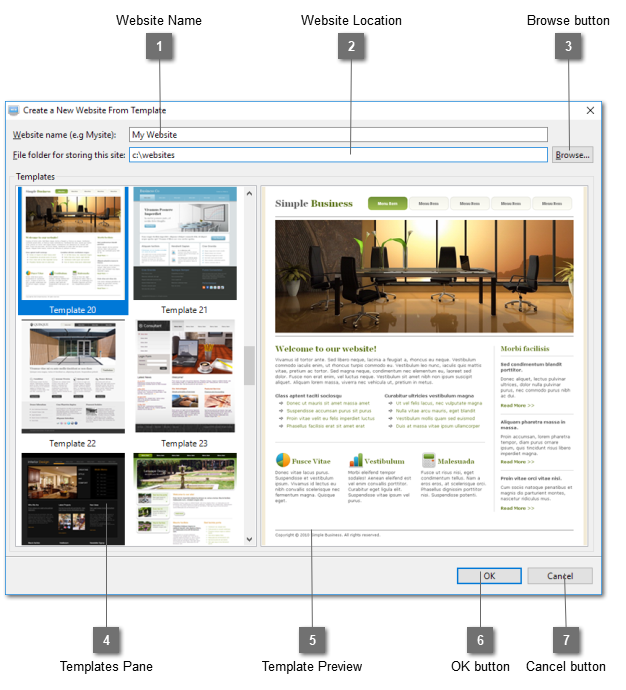
Create New Website From Template Dialog
Create a new website using the selected template. Please note that these website templates are for your own use in either personal or commercial websites. They can never be resold or distributed.
 Website Name
Enter your website name.
|
|
 Website Location
Enter the location to store the website.
|
|
 Browse button
Open a directory dialog to choose where to store the website.
|
|
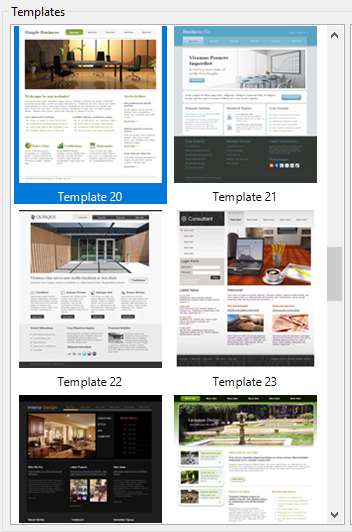
 Templates Pane
Select a template for the new website. You can choose from your own saved templates from the User Defined pane or our preset templates from the Preset pane.

|
|
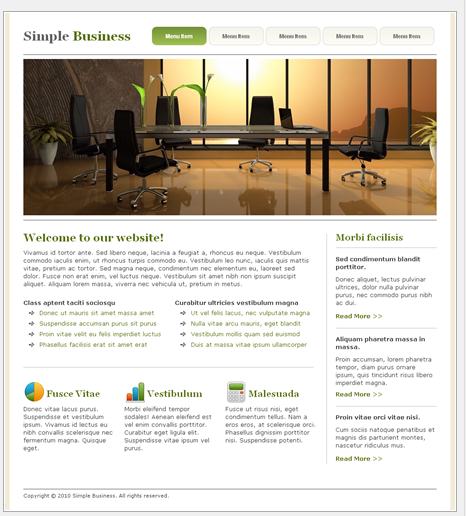
 Template Preview
Display the selected template in a larger image.
|
|
 OK button
Click OK to create a website in the selected folder using the specified name and the selected website template.
|
|
 Cancel button
Cancel the creation of a new website.
|
|